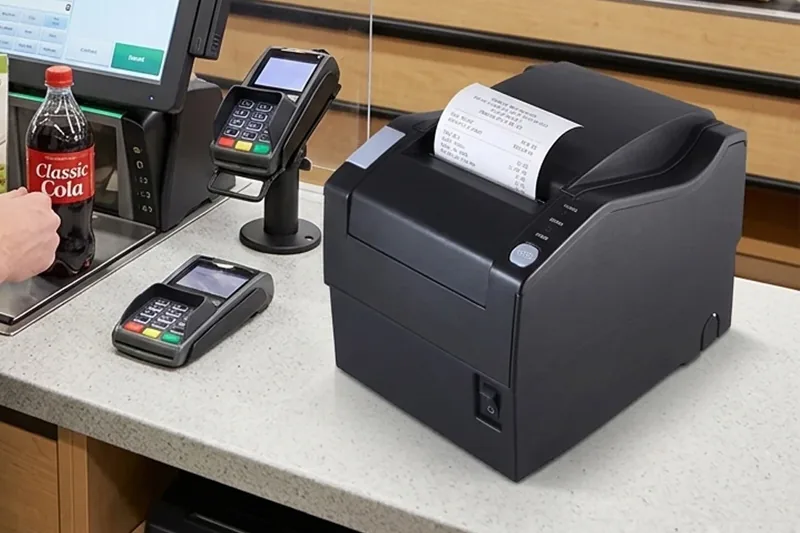
Whether you are using a direct thermal printer for receipts and labels or an impact (dot-matrix) receipt printer for multi-copy forms, following correct usage practices is essential to maintain print quality and extend the lifespan of your equipment. This guide covers five critical areas that every operator should know.
Printers should not be used in harsh environments such as those with high humidity or excessive dust. These conditions directly degrade print quality and shorten the overall service life of the device.
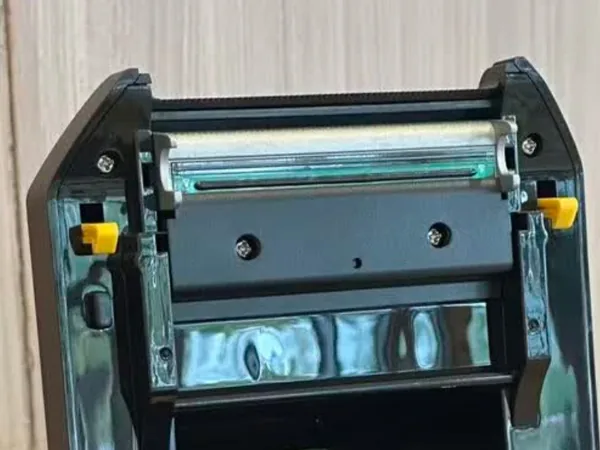
We recommend performing regular cleaning and maintenance during operation:
Before operating any printer, carefully read the included user manual. Always follow the specified operating procedures — this is not optional.
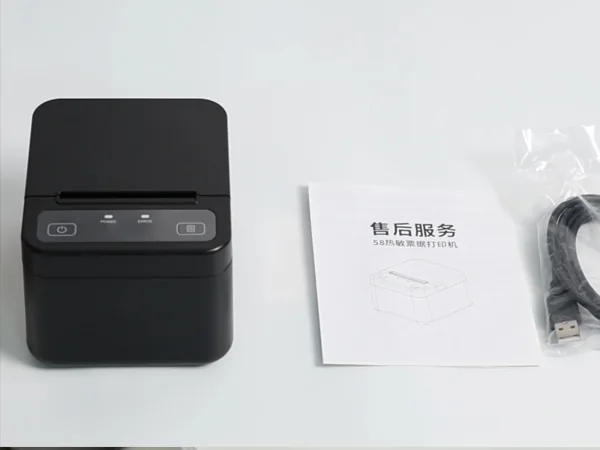
The manual covers:
Skipping the manual is the number one cause of avoidable hardware failures. Take 10 minutes to review it before your first print job.
Always use the power adapter that came with the printer (or an officially certified replacement). Using an incorrect or low-quality adapter can cause voltage instability, which may damage the mainboard or printhead over time.
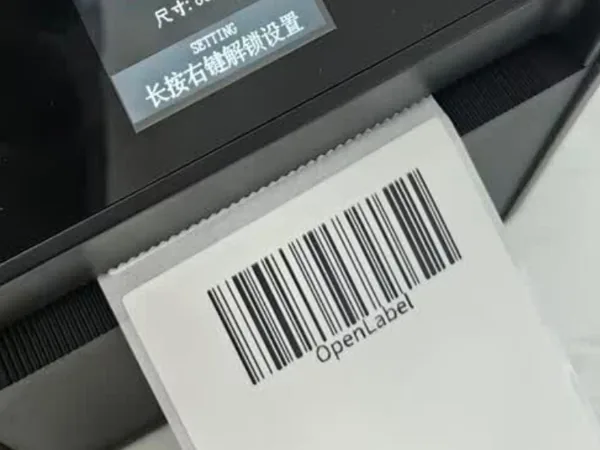
Equally important is the choice of printing media:
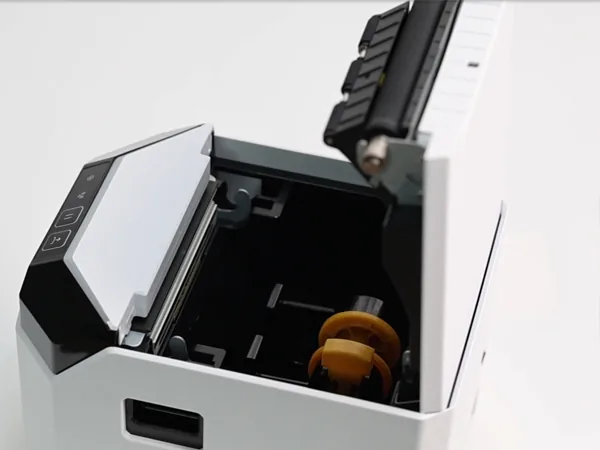
For models equipped with an auto-cutter, you must confirm that the cutting action has fully completed and the cutter blade has retracted before opening the top cover. Opening the cover prematurely can cause:
When using an impact (dot-matrix) receipt printer, avoid printing very dark or very wide solid lines for extended periods. Here's why:
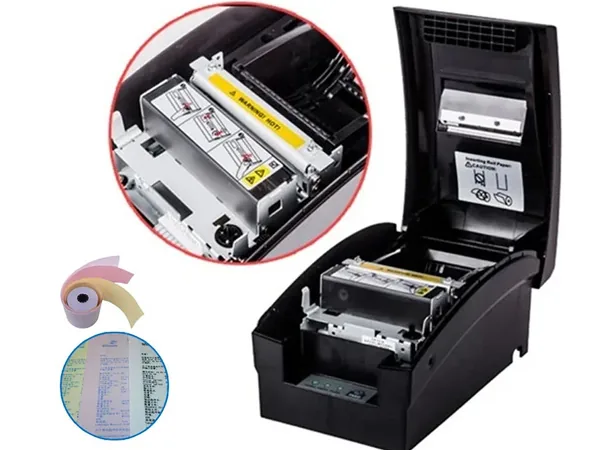
When printing a thick black line, only a single pin (or a small group of pins) in the printhead fires continuously. This causes localized temperature rise at those specific pins. However, because the rest of the printhead remains cool, the printer's overall thermal sensor does not trigger the overheat protection mode. The result: those few pins overheat and can be permanently damaged, leading to missing dots in subsequent prints.
Recommended practice: When you need to print dark or wide lines on an impact printer, replace them with alternative symbols or patterns (such as hatch patterns, dashed lines, or repeated characters like "====" or "****") that distribute the workload across more pins.
Based on the usage guidelines above, here are our recommended models for each printer type:
The X3C Thermal Receipt Printer with Auto-Cutter is a compact, reliable direct thermal printer ideal for retail POS environments. It features fast printing speed (up to 250mm/s), an integrated auto-cutter for clean receipt separation, and a durable thermal printhead designed for high-volume daily operation.
View X3C Thermal Receipt Printer →The 7645C Impact Dot-Matrix Printer is a robust impact receipt printer capable of printing multi-copy forms (original + up to 3 carbon copies). It uses a 9-pin print head for crisp text and graphics on continuous or single-sheet paper, making it perfect for kitchens, warehouses, and logistics applications where duplicate copies are required.
View 7645C Impact Printer →| # | Topic | Key Action | Risk if Ignored |
|---|---|---|---|
| 1 | Environment & Cleaning | Clean weekly with IPA cloth; lubricate screws | Poor print quality, shortened lifespan |
| 2 | User Manual | Read before first use; follow procedures | Avoidable hardware failures |
| 3 | Supplies | Use supplied adapter; quality thermal/paper | Mainboard/printhead damage; residue buildup |
| 4 | Auto-Cutter | Wait for cut complete before opening cover | Paper jams; blade deformation |
| 5 | Impact Printhead | Avoid prolonged single-pin heavy lines | Pin burnout, permanent missing dots |
Proper usage of direct thermal and impact receipt printers boils down to cleanliness, patience, and using the right supplies. By following these five guidelines, you can consistently achieve crisp, reliable prints while maximizing the return on your equipment investment.
If you have questions about maintaining your Core Smart printer or need help selecting the right model for your business, our support team is ready to assist. Contact us today.