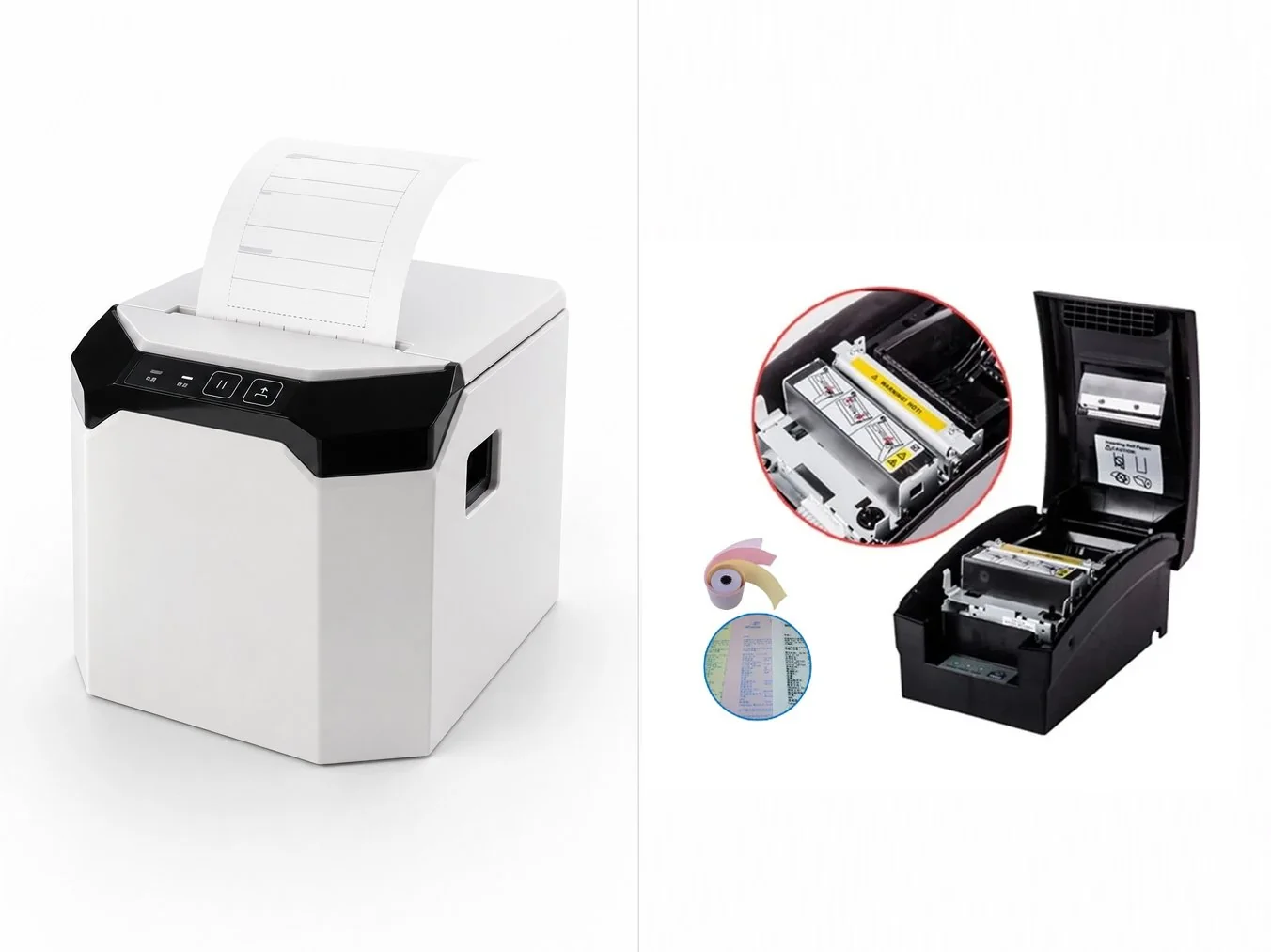
If your business prints receipts, labels, or forms, you've likely faced this choice: "Should I use a thermal printer or an impact (dot-matrix) printer?" These two technologies print in completely different ways, and the right pick depends on whether you need speed and quiet operation or multi-part copies that survive tough conditions.
How They Work
- Thermal Printer: Uses a row of tiny heating elements arranged as square dots or bars. When the print head heats up, it triggers a chemical reaction on the surface of specially coated thermal paper, turning the spot black — no ink, no ribbon, just heat and coated paper.
- Impact Printer (Dot Matrix): Fires tiny print pins (typically 0.2–0.3mm) through an electromagnetic actuator that strikes an ink ribbon against plain paper, pressing ink dots onto the sheet. A mechanical system moves the print head horizontally, feeds paper vertically, and cycles the ribbon, while an electronic controller receives the print data, drives the stepper motors, and runs real-time status checks.
Head-to-Head Comparison
| Feature |
Thermal Printer |
Impact Printer |
| Print Method | Heat activates coating on thermal paper | Pins strike ink ribbon onto paper |
| Consumables | Thermal paper rolls only | Plain paper + ink ribbon |
| Noise Level | Quiet | Loud (mechanical striking) |
| Print Speed | Fast (150–300mm/s) | Slow (1–6 pages/min) |
| Print Quality | Crisp, high-resolution text & barcodes | Lower resolution, dot-matrix dots |
| Multi-part Forms | No | Yes (carbon / duplicate copies) |
| Print Durability | Fades with heat, light, time | Permanent, survives harsh environments |
| Maintenance | Very low | Moderate (ribbon changes) |
| Best For | Receipts, shipping labels, barcodes | Invoices, multi-part forms, field logs |
When to Choose a Thermal Printer
- You print high volumes of receipts, shipping labels, or barcode tags
- You need fast, quiet operation at the counter or warehouse
- You want minimal running cost — no ribbon or ink to replace
- Your labels have a short shelf life (weeks to months)
- You don't need duplicate or carbon copies
When to Choose an Impact Printer
- You must produce multi-part forms (original + duplicate/carbon copies)
- Your prints must survive heat, moisture, or rough handling
- You print invoices, delivery notes, or logs in industrial settings
- Print speed is less critical than permanence and copy count
- You need a low-cost machine that runs on plain paper
💡 Pro Tip: Many operations run both — a thermal printer for fast customer-facing receipts and labels, and an impact printer for multi-part invoices and warehouse forms that must keep a physical duplicate. They solve different problems.
📦 Related CRSMT Products
Thermal side: The S-U804 Thermal Receipt Printer and U80C POS Receipt Printer deliver fast, quiet 80mm receipt and label printing — ideal for retail, hospitality, and logistics counters.
View S-U804 Specifications →
View U80C Specifications →
Impact side: The 7645C Impact (Dot-Matrix) Printer handles multi-part forms and harsh environments where a duplicate copy is mandatory.
View 7645C Specifications →