Walk into any warehouse, hospital, or retail store and you'll see barcodes doing the quiet work of tracking everything that moves. But "barcode" is not one thing — there are dozens of symbologies, and picking the wrong one leads to unscannable labels, rejected shipments, or scanners that cannot read your codes at all. This guide breaks down how to choose the right barcode for your application.
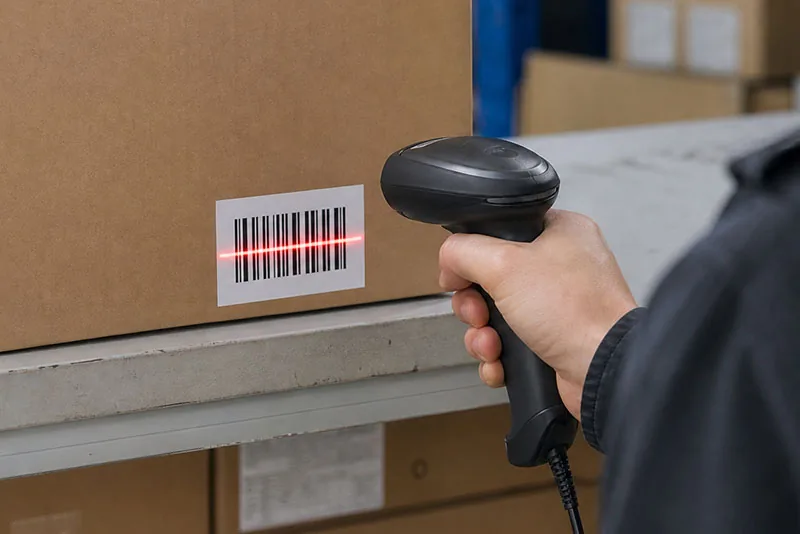
1D (linear) barcodes encode data in the widths of parallel bars and spaces. They hold a small amount of data — typically a numeric or short alphanumeric ID — and are read by sweeping a laser or imager across the lines. They are cheap to print, fast to scan, and work with almost any scanner.
2D barcodes (QR Code, Data Matrix, PDF417) store data in a grid of modules. They hold far more information — URLs, JSON payloads, multiple fields — and require an area imager or a smartphone camera to read. They also include built-in error correction, so they stay scannable even when partially damaged.
Most modern thermal label printers generate both 1D and 2D codes from the same device — you simply switch the command or template. What matters more is resolution and media:
Match the printer resolution to your barcode: standard 1D and QR labels run perfectly on the 203 dpi S200; small or high-density codes need the 300 dpi S300; and micro Data Matrix on tiny tags calls for the 600 dpi S600. All three are 4-inch thermal transfer label printers for warehouse, retail and industrial labelling.
| Need | Best choice | Notes |
|---|---|---|
| Retail checkout | UPC-A / EAN-13 | Laser scanners, GS1 mandated |
| Internal tracking | Code 128 | Dense, full ASCII |
| Shipping cartons | ITF-14 / GS1-128 | Case-level codes |
| Link to manual / promo | QR Code | Phone-scannable |
| Tiny durable part mark | Data Matrix | Small, error-correcting |
| Documents / manifests | PDF417 | High capacity |
There is no single "best" barcode — only the right one for your data, scanner, and environment. Start from the checklist above: a short ID at a retail lane means UPC/EAN; a link to a product page means QR; a tiny medical component means Data Matrix; and general internal tracking almost always means Code 128. Pair the symbology with the right printer resolution and media, and your labels will scan first time, every time.
If you're unsure which barcode — or which printer — fits your operation, contact our sales team for a recommendation based on your labels and scanners.
Yes. Modern thermal label printers use command sets like ESC/POS, TSPL, or ZPL that generate both linear and 2D symbologies from the same device — you only change the command or label template.
Yes. 2D codes require an area imager (or a smartphone camera). Traditional 1D laser scanners cannot read QR Code or Data Matrix.
At the POS lane, UPC-A (North America) or EAN-13 (international) are mandated by GS1. Use QR Code on packaging or shelf talkers to link shoppers to product info and promotions.
203 dpi covers most standard barcodes. Choose 300 dpi for small or high-density codes (jewelry, electronics, pharma), and 600 dpi only for micro-marking on tiny parts.
Absolutely — that is exactly what QR Code is for. Encode the URL directly; smartphones and imagers open it without any app. Keep the URL short and the quiet zone clear for reliable scans.